RGB to HEX Converter
Convert RGB Values to HEX Color Codes with Ease


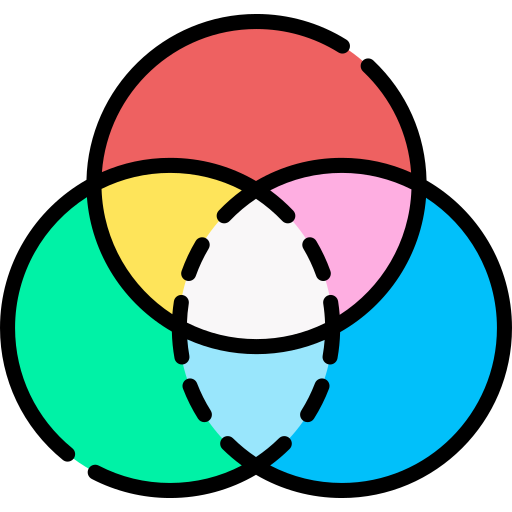




In the world of digital design and development, color plays a critical role in defining the aesthetics of websites, apps, and various digital platforms. However, different formats are used to represent colors, with RGB (Red, Green, Blue) and HEX being two of the most common. Our RGB to HEX converter simplifies the process of translating RGB values into HEX codes, offering accuracy and a color preview for quick reference.
What is RGB?
RGB stands for Red, Green, and Blue. It's a color model used in digital screens and devices where colors are created by blending these three primary colors at varying intensities. The RGB model is an additive color system, meaning the colors are formed by adding light. When all three components (R, G, B) are set to their maximum value (255), the result is pure white, and when all are set to 0, you get black.
For example:
- Pure Red: RGB(255, 0, 0)
- Pure Green: RGB(0, 255, 0)
- Pure Blue: RGB(0, 0, 255)
What is HEX?
A HEX color code is a six-digit combination of letters and numbers that defines a color in web design and other digital work. It is a compact representation of the RGB values, where the first two digits represent Red, the next two represent Green, and the last two represent Blue.
For example:
- Pure Red: #FF0000
- Pure Green: #00FF00
- Pure Blue: #0000FF
How the RGB to HEX Converter Works
Our RGB to HEX tool allows users to input the values of Red (R), Green (G), and Blue (B), ranging from 0 to 255, to get the corresponding HEX code. Here's a step-by-step guide to how the tool works:
-
Input RGB Values:
Users start by entering values for the three primary colors—Red, Green, and Blue. Each value must be between 0 and 255. -
Instant Conversion to HEX:
Once the RGB values are entered, the tool instantly converts them into the corresponding HEX code, providing an accurate color representation. -
Real-time Color Preview:
To ensure the conversion is correct and visually appealing, the tool displays a preview of the resulting color. This helps users verify the accuracy of the RGB and HEX values for their design projects.
Example Usage
Let's say you're working on a web project, and you've chosen an RGB color with values of:
- Red (240)
- Green (128)
- Blue (64).
After inputting these values into the RGB to the HEX tool, it will return the HEX code #F08040.
You’ll also see a preview of the color, allowing you to decide if it matches your desired shade.
Benefits of Using the RGB to HEX Converter
-
Accuracy:
The tool ensures precise conversion between RGB and HEX, making it ideal for web designers, graphic designers, and developers who require exact color matches across platforms. -
Simplicity:
No need to memorize complex conversion formulas. Simply input your RGB values, and the tool does the rest, providing the HEX code instantly. -
Time-Saving:
Manual conversion can be time-consuming and prone to errors. This tool automates the process, allowing you to focus on creativity rather than calculations. -
Real-time Feedback:
The color preview feature ensures that the color generated from the HEX code is exactly what you need, preventing design inconsistencies.
Why Use RGB to HEX Conversion?
In many cases, you may find yourself switching between RGB and HEX color formats. While RGB is often used for on-screen designs like apps or games, HEX codes are widely used in web development, particularly in CSS and HTML. Converting RGB to HEX allows you to maintain color consistency across different platforms, ensuring your designs look professional and cohesive.
For example, if you're designing a website and you want a specific shade of blue, you might have the RGB value but need the HEX code to add it to your CSS stylesheet. This tool makes that process quick and error-free.
